
Travel Hack
How We Find Business Class Seats for a Family of 5: Seats.aero Review

One of the biggest questions we get asked is: “How do you afford to fly your whole family in business class?”
The answer isn’t just “points.” It’s flexibility. And the tool that unlocks that flexibility for us is Seats.aero.
Most people search for flights backwards. They pick a destination, pick a date, and then look for a price. If you are paying cash, that works. If you are paying with points, that is a recipe for frustration and “no availability” errors.
To win at the points game, you have to flip the script: Find the deal first, then plan the trip.
Why We Love Seats.aero
I’ve used almost every award search tool out there—Point.me, Roame.travel, expertflyer—and Seats.aero is the one I keep coming back to. It’s built for speed and power users, but the interface is clean enough that anyone can master it.
1. The “Continent-to-Continent” Search
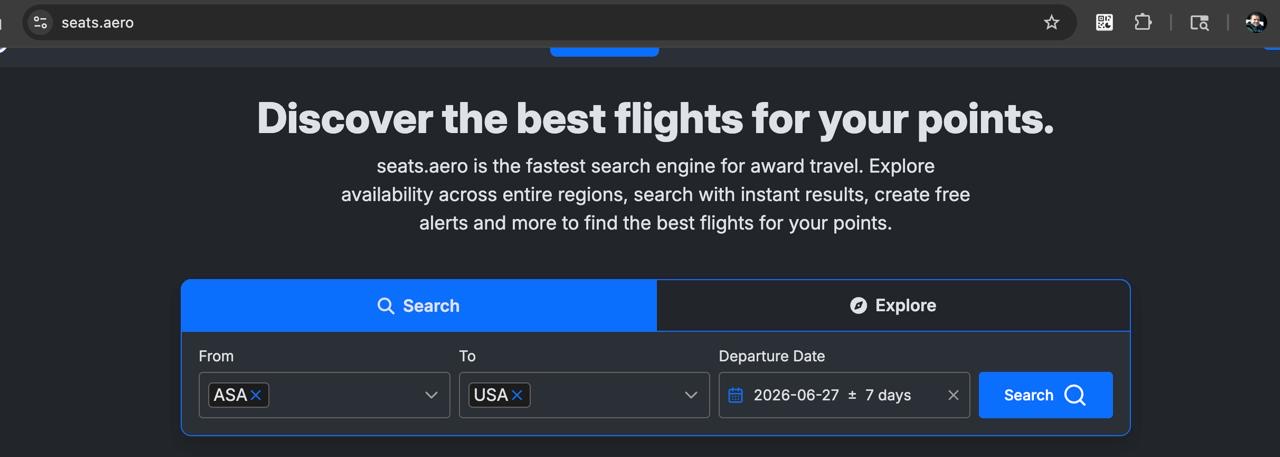
This is my single favorite feature. instead of searching “Denver to London” on “June 15th,” I can search “North America to Europe” for “All of June.”
This wide-net approach shows me every available business class seat crossing the Atlantic. Maybe the flight is out of Chicago or Dulles instead of Denver. Maybe it’s on a Tuesday instead of a Friday. I can see it all in one massive, sortable list.
2. Program Agnostic (Credit Card Flexibility)
We have points scattered across Amex, Chase, and Capital One. Seats.aero lets me search across different airline programs simultaneously. I can see if a United flight is bookable via Air Canada Aeroplan (often cheaper!) or Avianca LifeMiles without opening twelve different tabs.
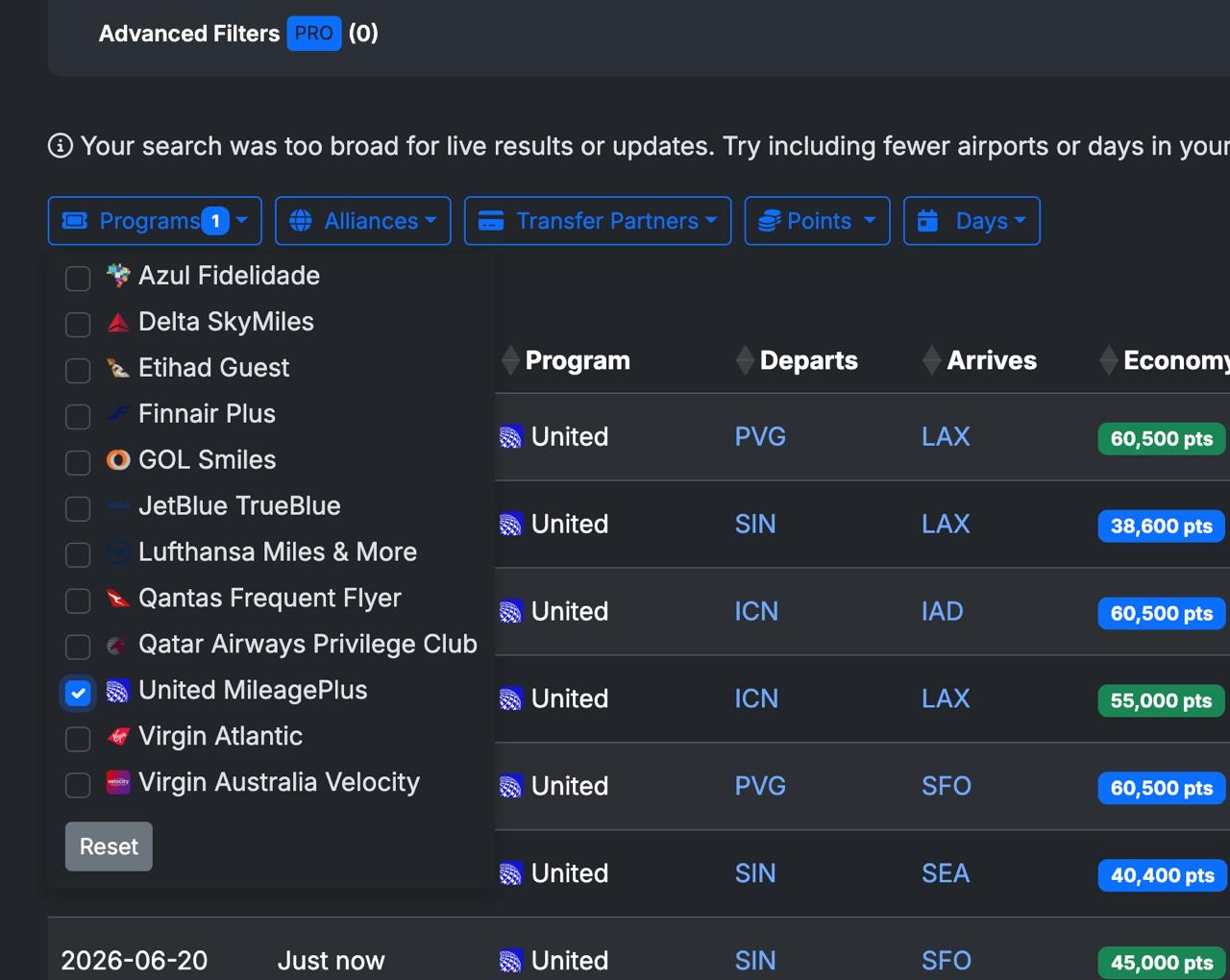
If you have a preferred airline—like United for domestic connections—you can filter results specifically for that program.
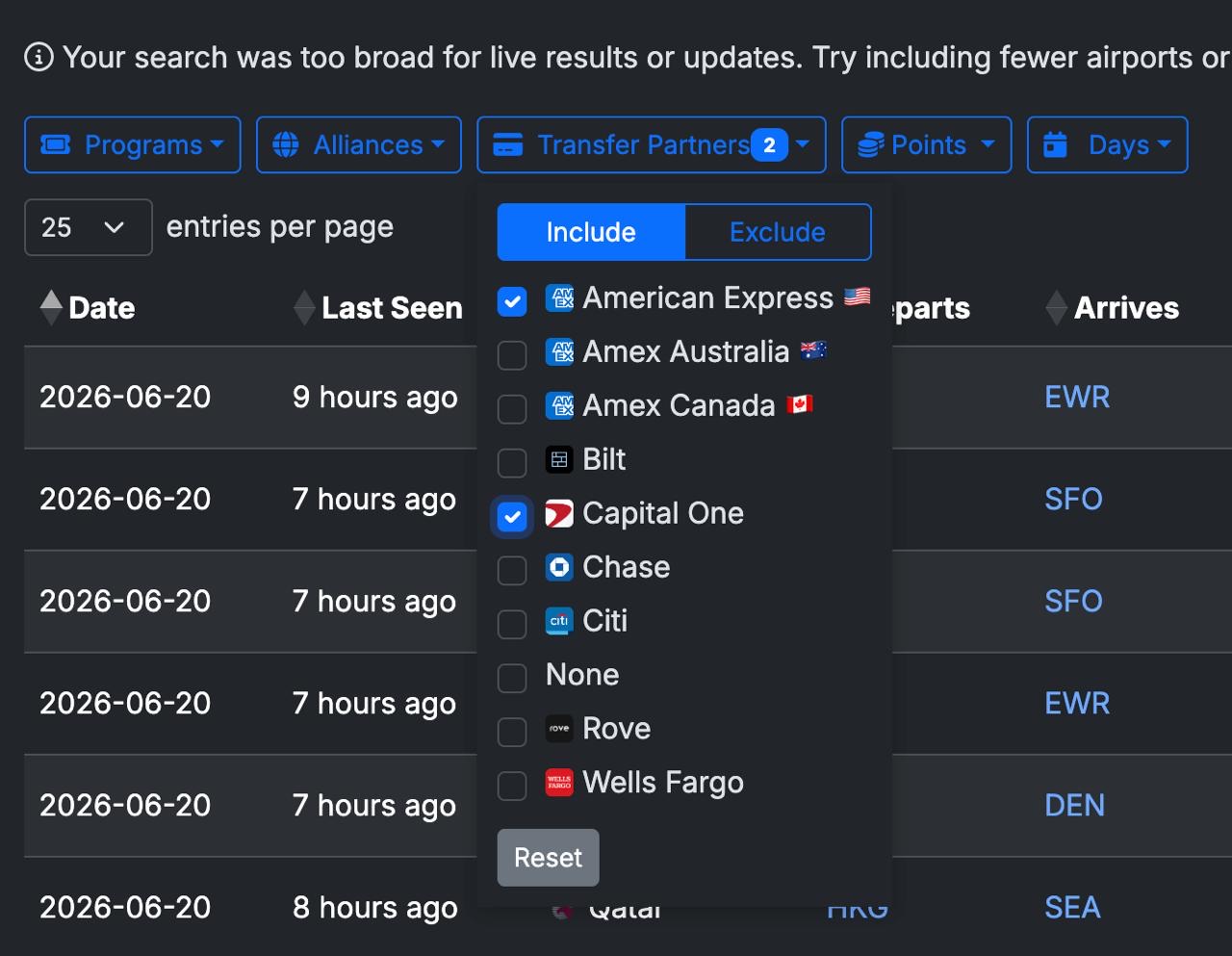
You can also filter by transfer partner. So if you only have Capital One points and Amex points, you can toggle those on and hide everything else.
3. Filtering for Families
Traveling solo is easy. Traveling as a family of five requires strategy. The “Minimum Seats” filter is a lifesaver. I can set it to “5” and instantly filter out the thousands of flights that only have one or two seats available. It saves me hours of clicking through “phantom availability.”
4. The iPhone App
They have a really solid iPhone app that I use when I’m bored or just dreaming up the next trip. It’s fast, simple, and lets me set up alerts so I get a notification the second a seat opens up.
How We Use It
For our Southeast Asia 2026 trip, we didn’t start with “We need to go to Bangkok.” We started with a Seats.aero search for “North America to Asia” and sorted by Business Class. We found a great route on EVA Air, booked it, and built the rest of the trip around that long-haul flight.
If you are serious about maximizing your credit card points, this tool is worth every penny of the subscription.
(Note: We aren’t paid by them. We just actually use it.)